

Boombox
An iOS and Android music player for the library on your NAS
-
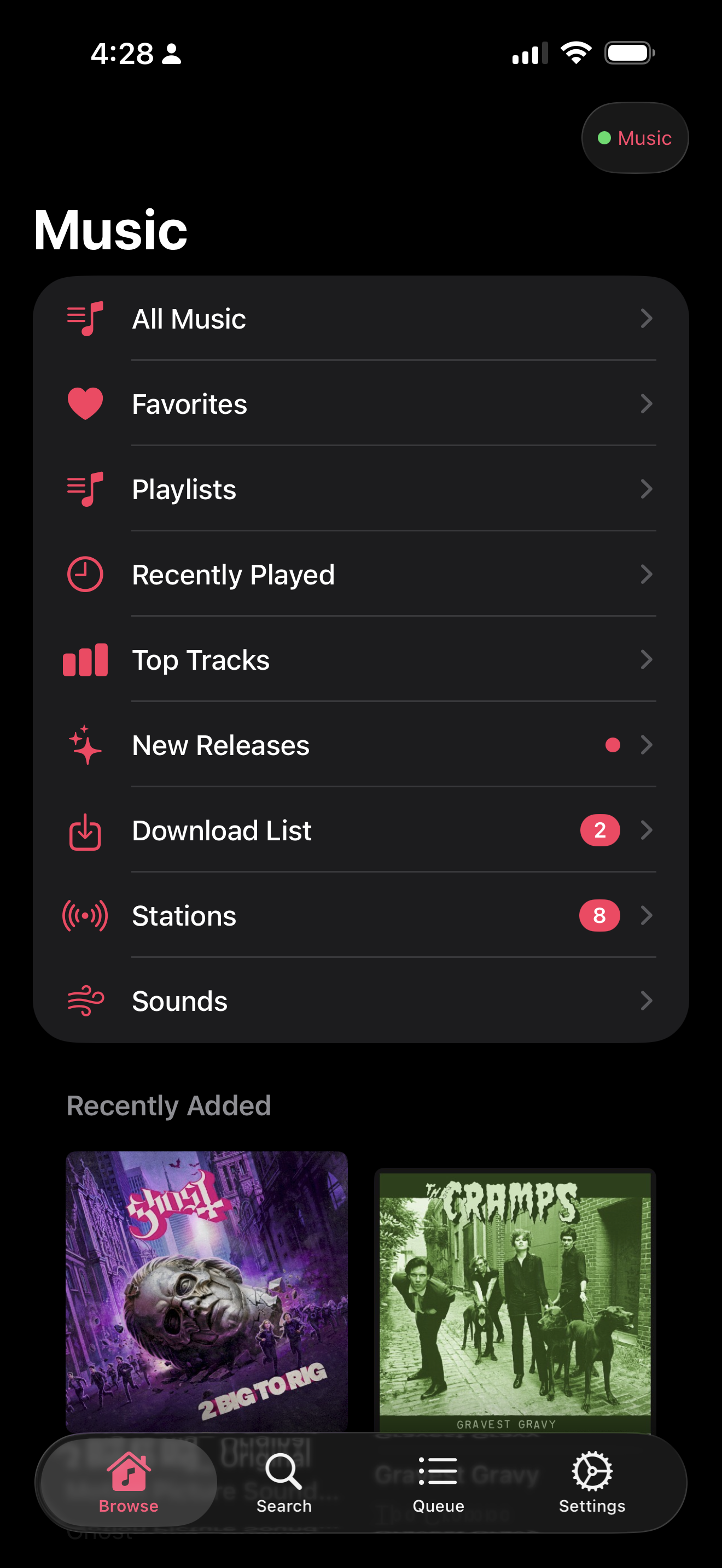
The library, served straight off the NAS — alongside stations, the download queue, and the ambient sound bank. -
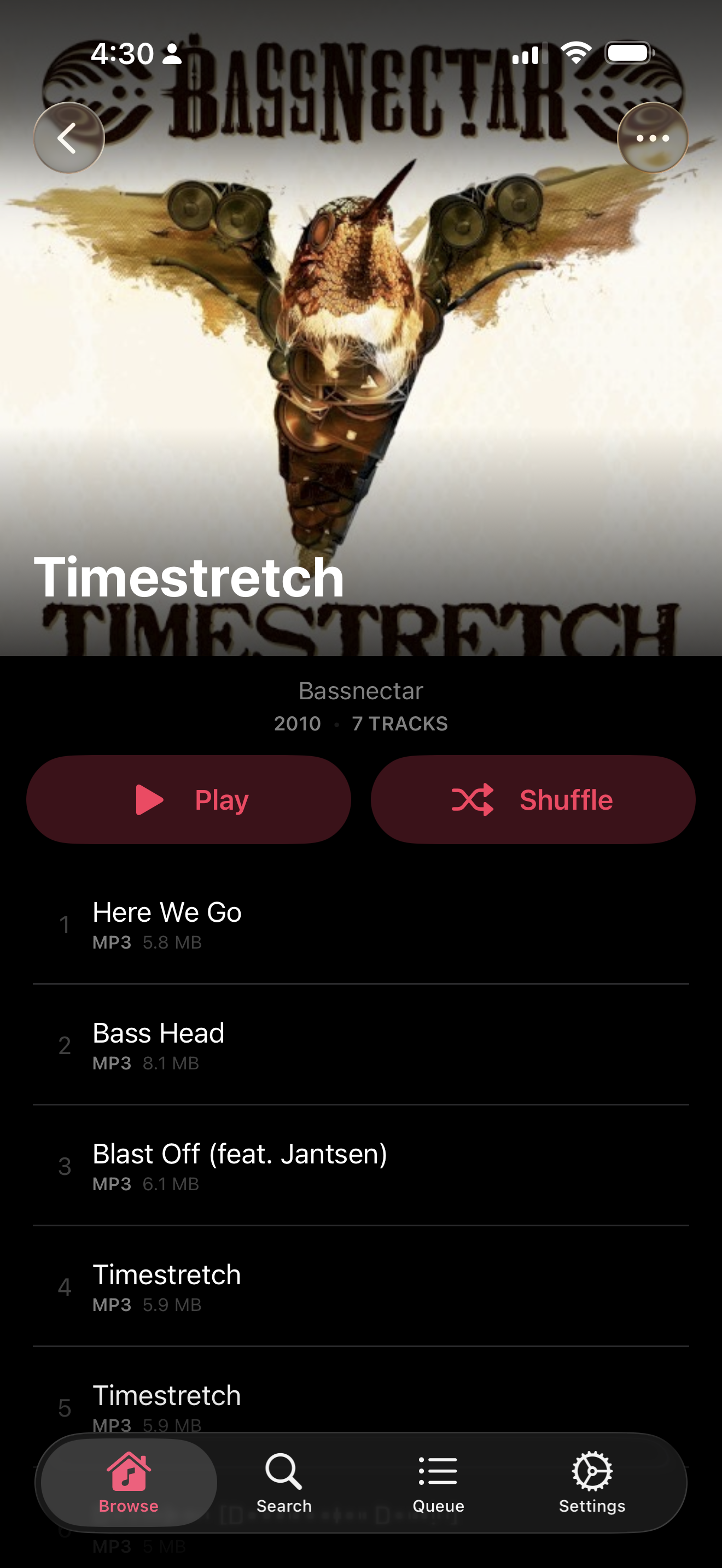
An album pulled from the SMB share, listing the file size of every track it would cache for offline. -
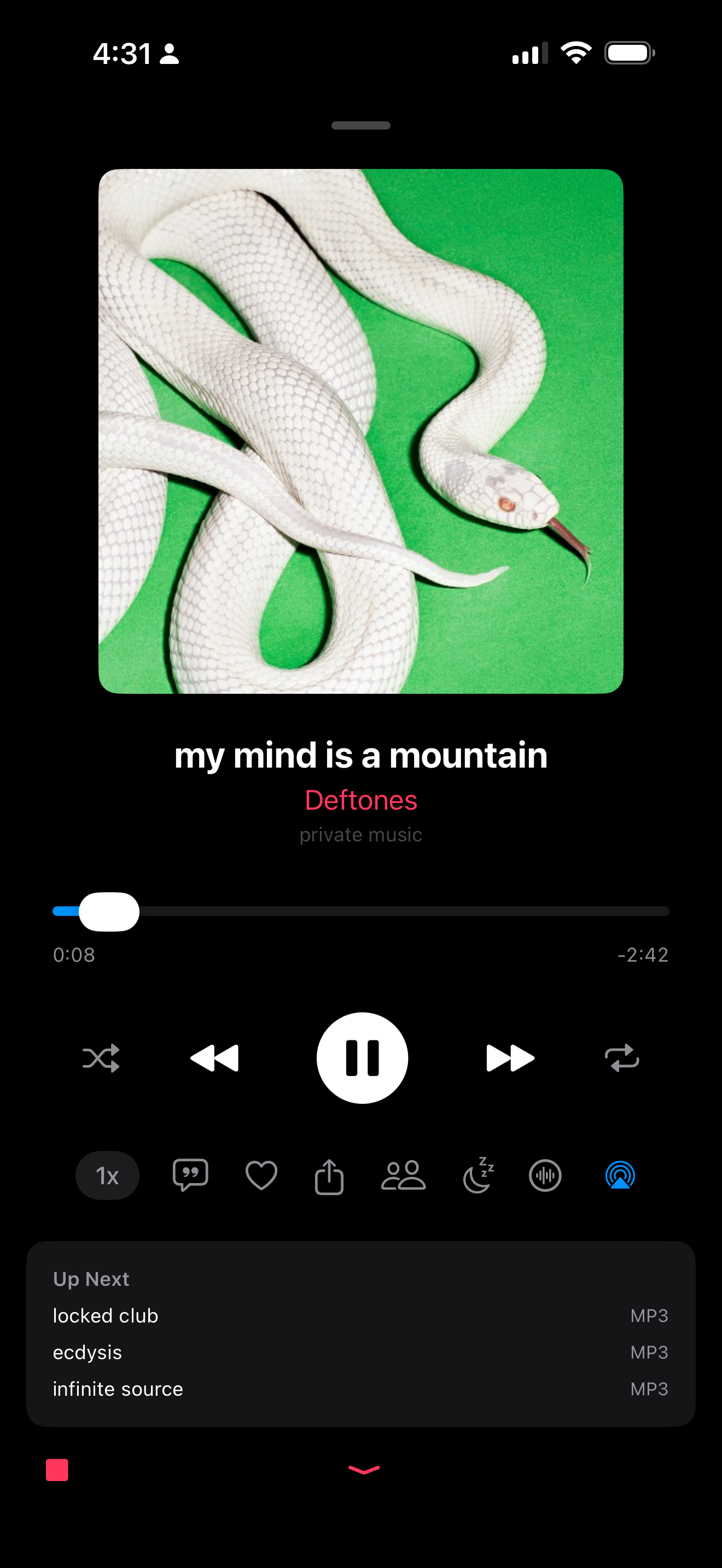
Now playing, with the sleep timer and the listen-together controls one tap from the transport. -
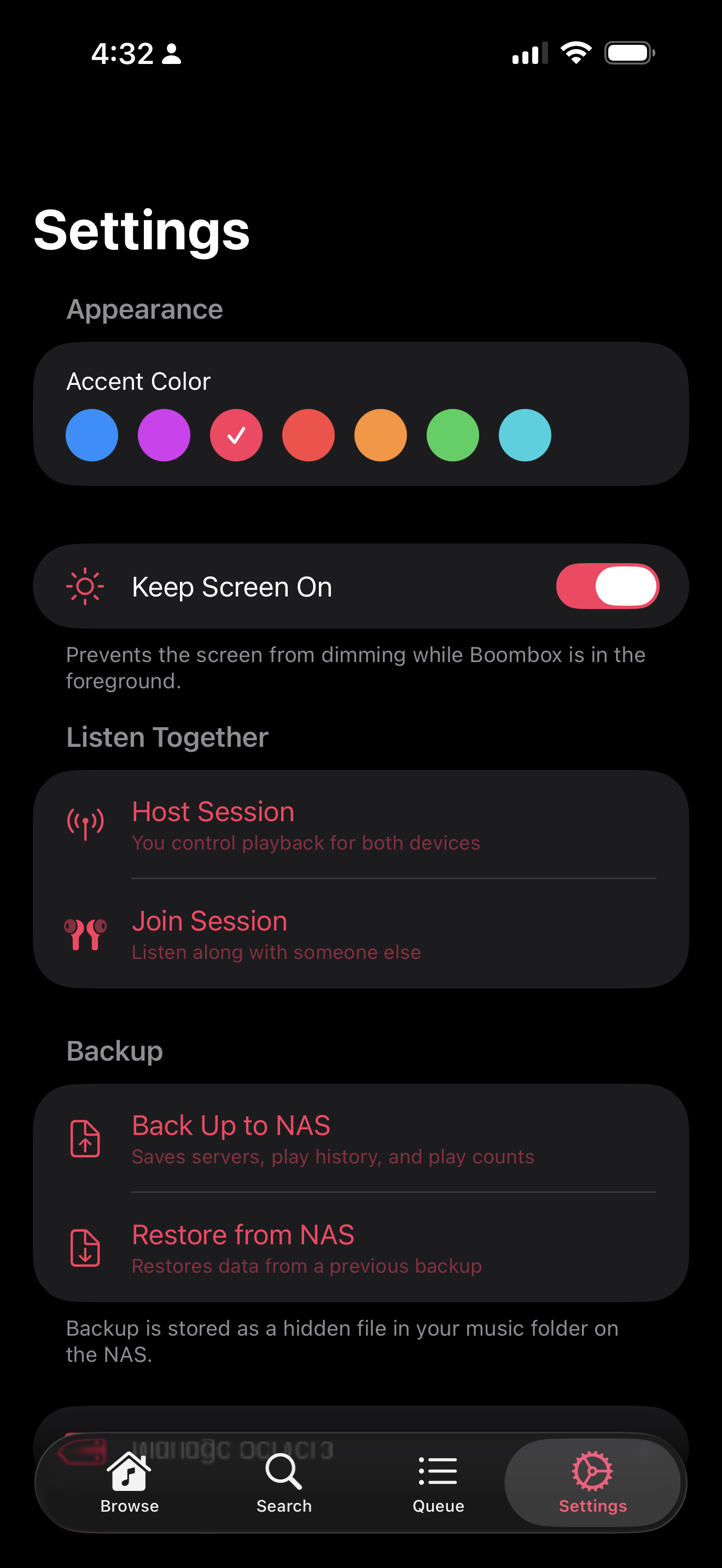
Settings: accent colour, a shared listening session, and backup written back to the NAS itself.
Boombox plays the music you already own, from where you already keep it. It connects directly to an SMB share — the NAS in the closet — and browses it as a real library: artists, albums, tracks, playlists, and podcasts, with search, favourites, recently played, most played, and a queue.
There is no service in the middle. No subscription, no catalogue that quietly loses a record, no upload step. The share is the library.
It works when the network doesn't
A phone leaves the house, and a NAS-backed player normally becomes an empty screen. Boombox caches albums to on-device storage and tracks what it holds in SwiftData, so a cached record plays identically whether or not the share is reachable. A network monitor watches the connection and the player falls through to the local copy rather than stalling on a dead socket.
The SMB layer is an actor, and it includes a round-trip liveness probe with its own timeout — a dropped share announces itself in a few seconds instead of hanging a request until the system gives up.
The ambient mixer
Fifty-seven ambient sounds — rain on a tent, a coffee shop, a campfire, brown noise, a cat purring, a hair dryer — layered live over AVAudioEngine, each with its own volume, plus a sleep timer that fades out over ten seconds rather than cutting off.
The mix is published as a synthetic Now Playing track, so the lock screen, the Control Center, and a car stereo all treat it as ordinary playback and their transport controls work on it.
Listen Together
Two phones in the same room, one library. Over MultipeerConnectivity, one device hosts and the other listens; play, pause, resume, seek, and skip are sent as typed commands carrying the remote path and the playback position, so the listener lands at the same moment in the same file rather than approximately near it.
Everything around the music
- Artwork — fetched, cached, and embedded back into the files, so the tags improve as you listen.
- Lyrics with a dedicated view, and artist headers that can be uploaded or fetched.
- Metadata enrichment from Spotify and Wikipedia, plus a tag editor for fixing what the files got wrong.
- Now Playing with a visualizer, a mini-player bar that persists across the app, and AirPlay.
- Podcasts, whose episodes are put on the NAS by podripper.
- Backup of playlists, favourites, and presets, so the state of the app is not trapped in the app.
On Android
Boombox runs on Android too, written in Kotlin with the interface in Jetpack Compose — a native port rather than the iOS build in a wrapper. The share is still the library, the cache still holds the albums you took with you, and the ambient mixer and sleep timer came across intact.
Stack
| Language | Swift with SwiftUI and @Observable services |
|---|---|
| Android | Kotlin with Jetpack Compose, built natively against the platform’s own audio and storage APIs |
| Storage | SwiftData for the cache, favourites, playlists, and history |
| Networking | AMSMB2 behind an actor, with a liveness probe and timeouts |
| Audio | AVAudioEngine for the ambient mixer; system playback for tracks |
| Sync | MultipeerConnectivity with a typed SyncCommand enum |
| Size | 73 Swift files across Models, Services, ViewModels, and Views |